Best Portable Monitors for Digital Nomads in 2026: 5 Models Compared
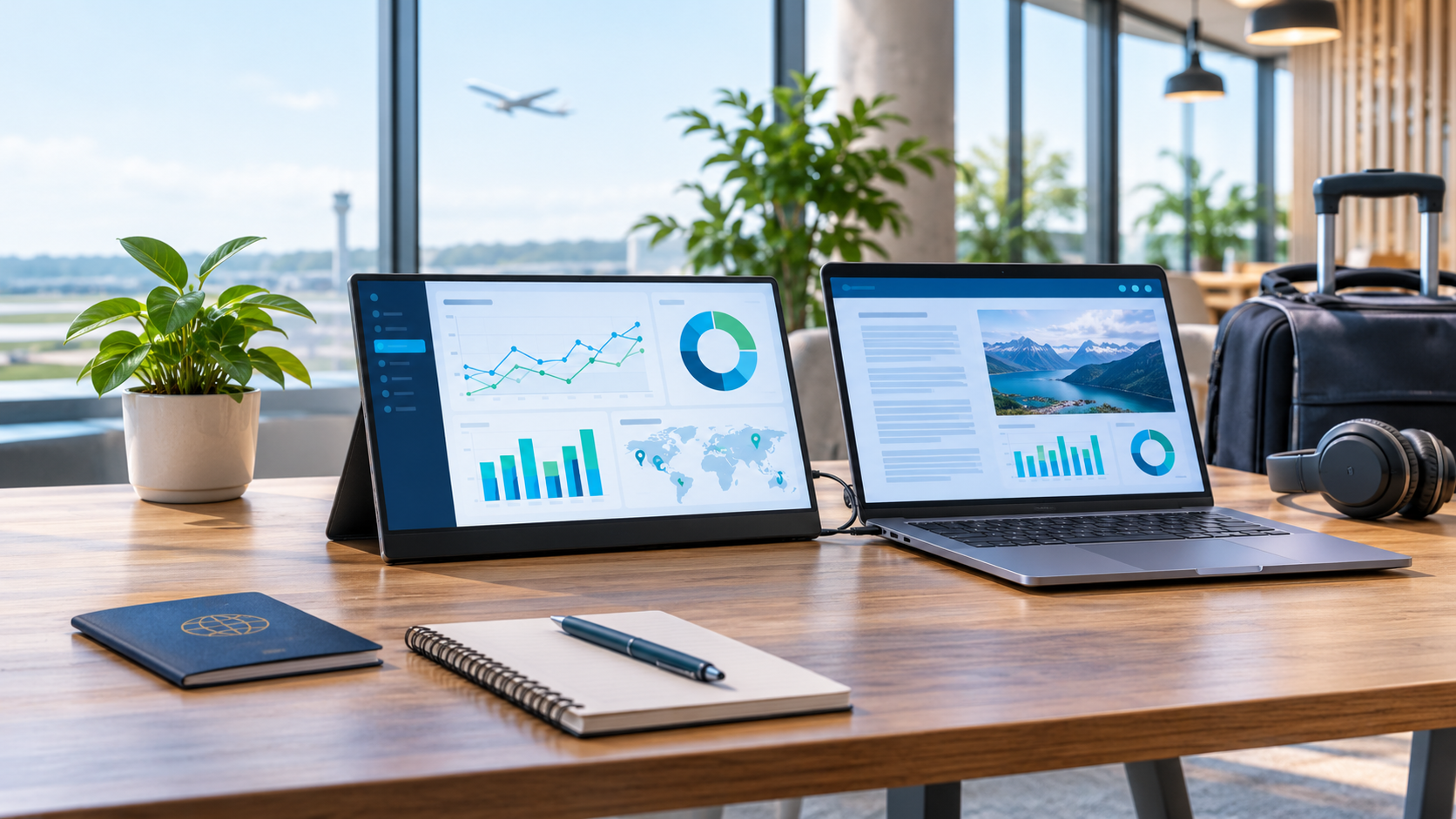
Choosing the best portable monitors for digital nomads can make remote work more comfortable and productive. Whether you work from a hotel room, coworking space, or café, a portable monitor gives you extra screen space without carrying a bulky desktop setup.
🖥️ Portable Monitors — Key Facts
📋 Table of Contents
🔎 How to Choose the Best Portable Monitors for Digital Nomads
The best portable monitor is not necessarily the one with the highest resolution or the most features. For digital nomads, the right choice depends on how often you travel, what devices you use and the kind of work you do. The best portable monitors for digital nomads balance screen quality, portability, connectivity, and power efficiency.
1. Screen size and weight
Most portable monitors sit between 14 and 16 inches. A 14-inch screen is easier to fit into a compact travel setup, while a 15.6- or 16.1-inch display gives you more room for documents, spreadsheets and side-by-side windows. Check the monitor’s weight as well as its dimensions: a small difference matters when you carry your equipment every day.
2. Resolution and screen type
Full HD (1920 × 1080) is usually sufficient for everyday office work on a 15.6-inch screen. QHD and 4K displays provide more detail and workspace, while OLED technology can deliver deeper blacks and strong contrast. Higher resolution is not automatically better if it adds cost, power demands or scaling issues to your setup.
3. USB-C, HDMI and power
USB-C is convenient when it carries both video and power. However, USB-C describes the connector, not every feature it supports. Confirm that your device supports video output through the port. HDMI is another common option, but the monitor may need a separate USB power connection when HDMI is used.
4. Brightness and working environment
A brighter display can be easier to use in a well-lit room, but brightness figures should be compared alongside screen finish and reflections. If you often work near windows or in shared spaces, an anti-glare panel and a stable stand can be just as important as resolution.
5. Stand, cover and extras
Look at how the monitor is supported. A built-in kickstand, protective cover or VESA mounting option can make a difference to everyday convenience. Speakers and touchscreen features are useful extras, but they should not replace checking the basic display and connection specifications.
Before choosing a model, check three things in this order: whether it works with your laptop, whether its size suits your travel bag, and whether its screen is comfortable for your daily tasks.
When comparing the best portable monitors for digital nomads, consider your daily workload, travel frequency, and available connectivity before making a decision.
1. MSI PRO MP165 E6 — A Practical Full HD Work Screen
MSI PRO MP165 E6
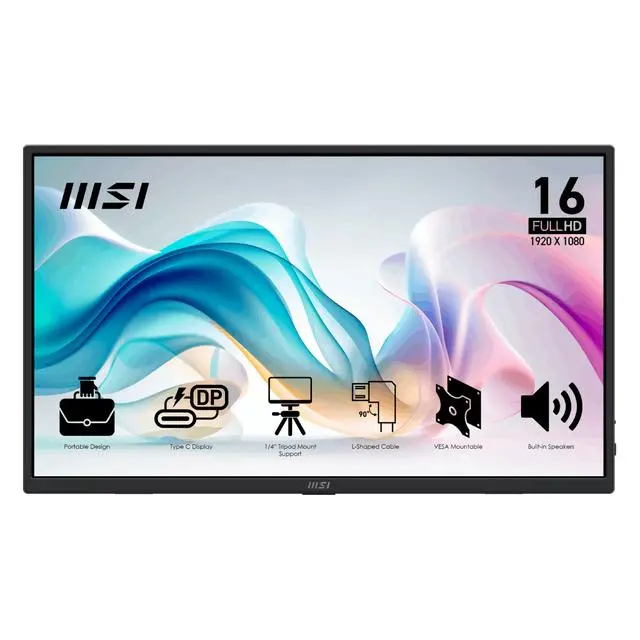
The MSI PRO MP165 E6 is a straightforward portable display for people who want extra screen space without moving to a larger desktop monitor. Its 15.6-inch Full HD IPS panel is suited to documents, browser tabs, email and everyday remote-work tasks.
MSI lists two USB-C ports with DisplayPort Alt Mode support, one HDMI input and two 1W speakers. The monitor also includes a 1/4-inch tripod socket and a protective pouch. Its 60Hz refresh rate is aimed at general productivity rather than high-refresh gaming.
Why consider it: A simple feature set, familiar Full HD resolution, built-in speakers and several mounting options make it a practical second screen for a laptop setup.
Keep in mind: The listed brightness is 250 nits, so it may be less comfortable in very bright environments. Check the power arrangement and your laptop’s USB-C video support before buying.
Check MSI on Amazon →2. ARZOPA Z3FC — QHD Resolution and High Refresh Rate
ARZOPA Z3FC
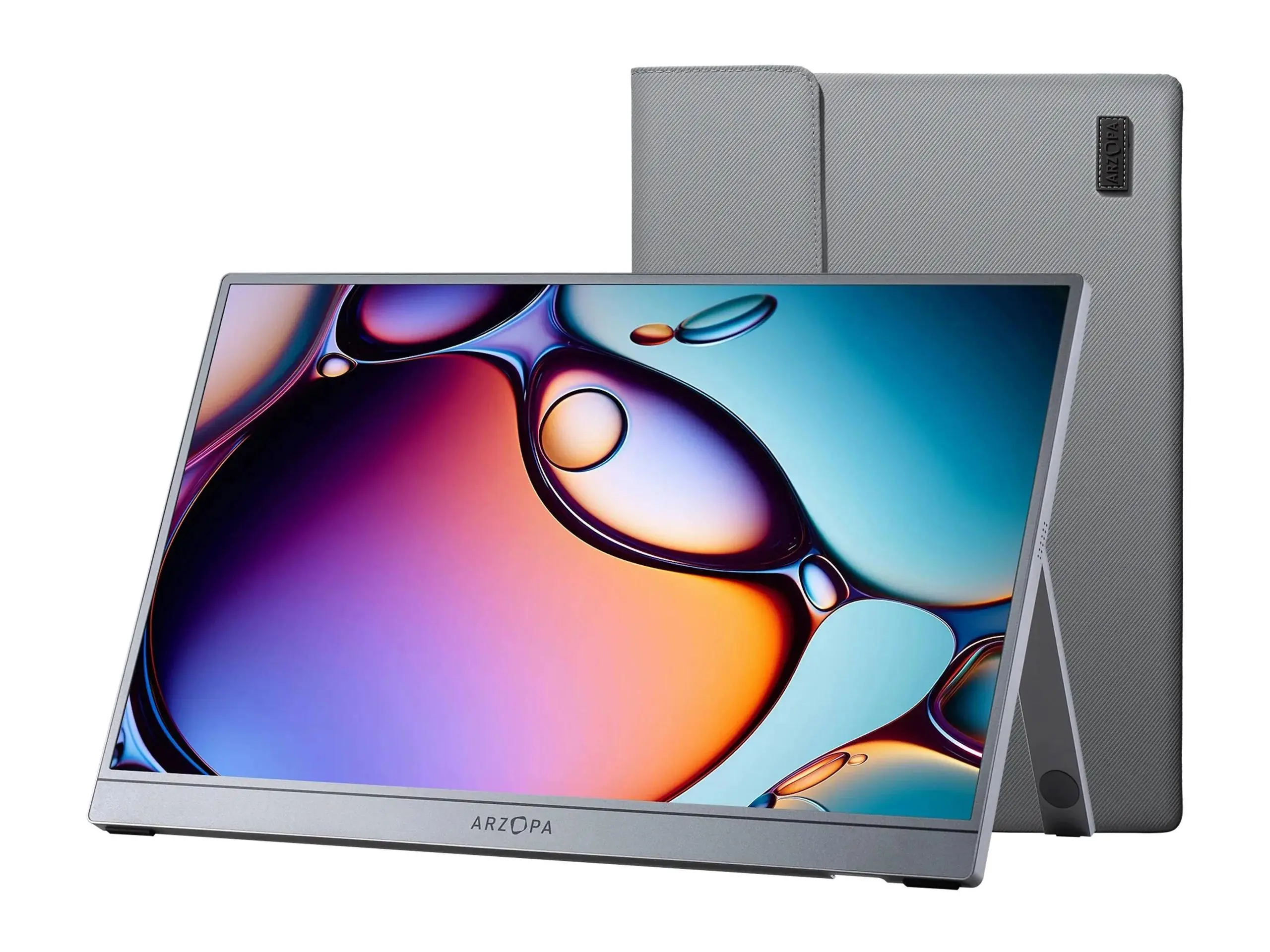
The ARZOPA Z3FC is aimed at users who want a sharper image and a faster refresh rate in a portable format. Its 16.1-inch QHD resolution provides more pixels than a standard Full HD portable monitor, which can be useful when working with several windows or viewing detailed content.
The high refresh-rate specification may also appeal to users who connect a compatible gaming device. Actual refresh rate depends on the input, cable, connected device and selected resolution. Check the product listing for the supported refresh rate over each connection.
Why consider it: The combination of QHD resolution and a high refresh-rate specification makes it a flexible option for people who split their time between work and entertainment.
Keep in mind: A high refresh rate is not essential for ordinary office tasks. Confirm the supported refresh rate for your particular connection, and check whether your laptop can output QHD at the rate you want.
Check ARZOPA on Amazon →3. Dell Pro 14 Plus P1425 — A Compact Business Travel Display
Dell Pro 14 Plus P1425
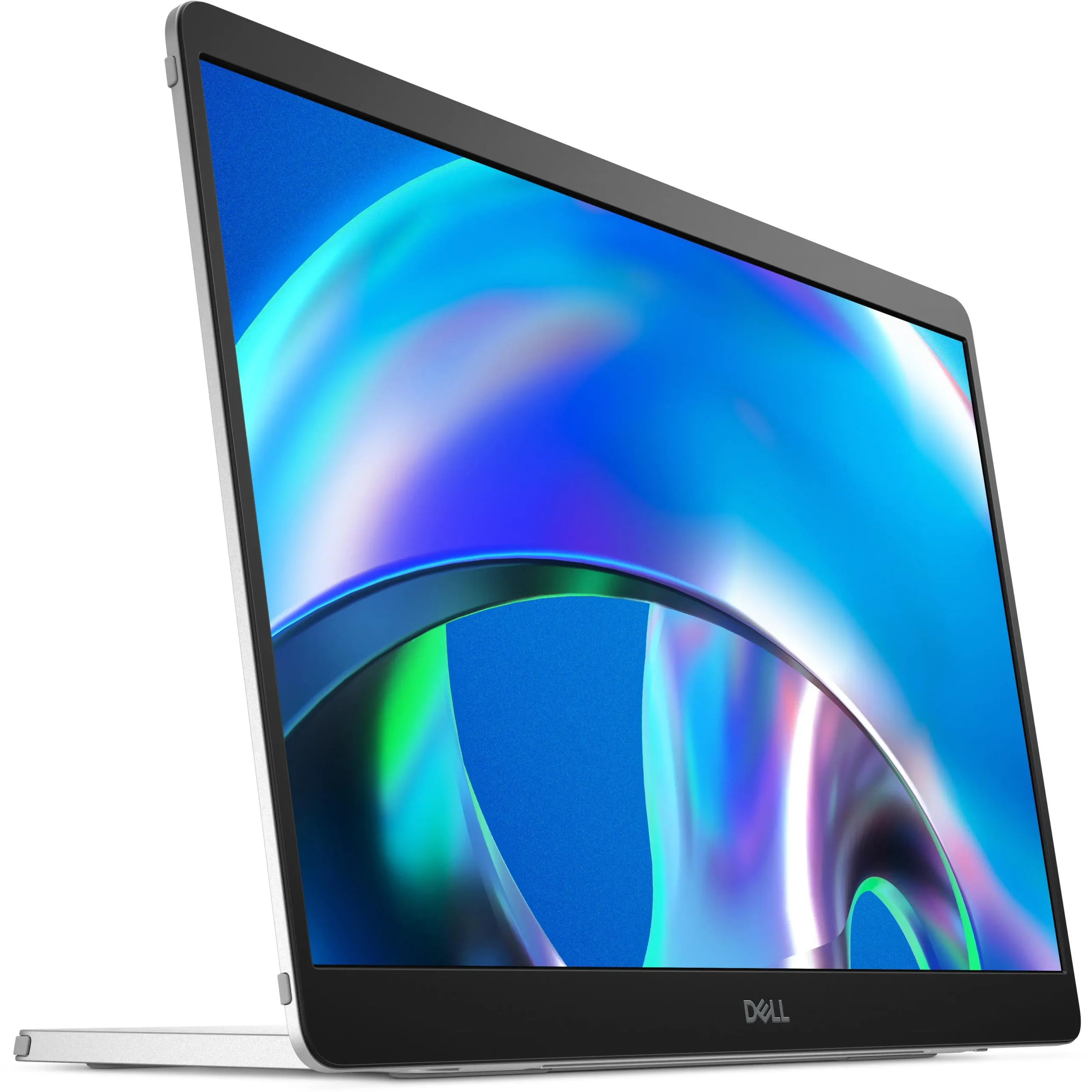
The Dell Pro 14 Plus P1425 takes a more compact approach. Its 14-inch 16:10 display offers a little more vertical workspace than a typical 16:9 screen of similar size. That can be useful when reading long documents, reviewing spreadsheets or keeping a reference window open beside your main laptop display.
Its business-oriented design makes it worth considering for people who want a second screen that takes up less space in a travel bag. The 1920 × 1200 resolution is a sensible match for everyday office work.
Why consider it: Its compact 14-inch format and taller 16:10 workspace suit travellers who prioritise portability and document-based work.
Keep in mind: The smaller screen gives you less physical display area than the 15.6- and 16.1-inch alternatives. Check the exact ports, power pass-through details and included accessories on the listing for your selected model.
Check Dell on Amazon →4. Lenovo ThinkVision M14t Gen 2 — Touch and Pen Input
Lenovo ThinkVision M14t Gen 2
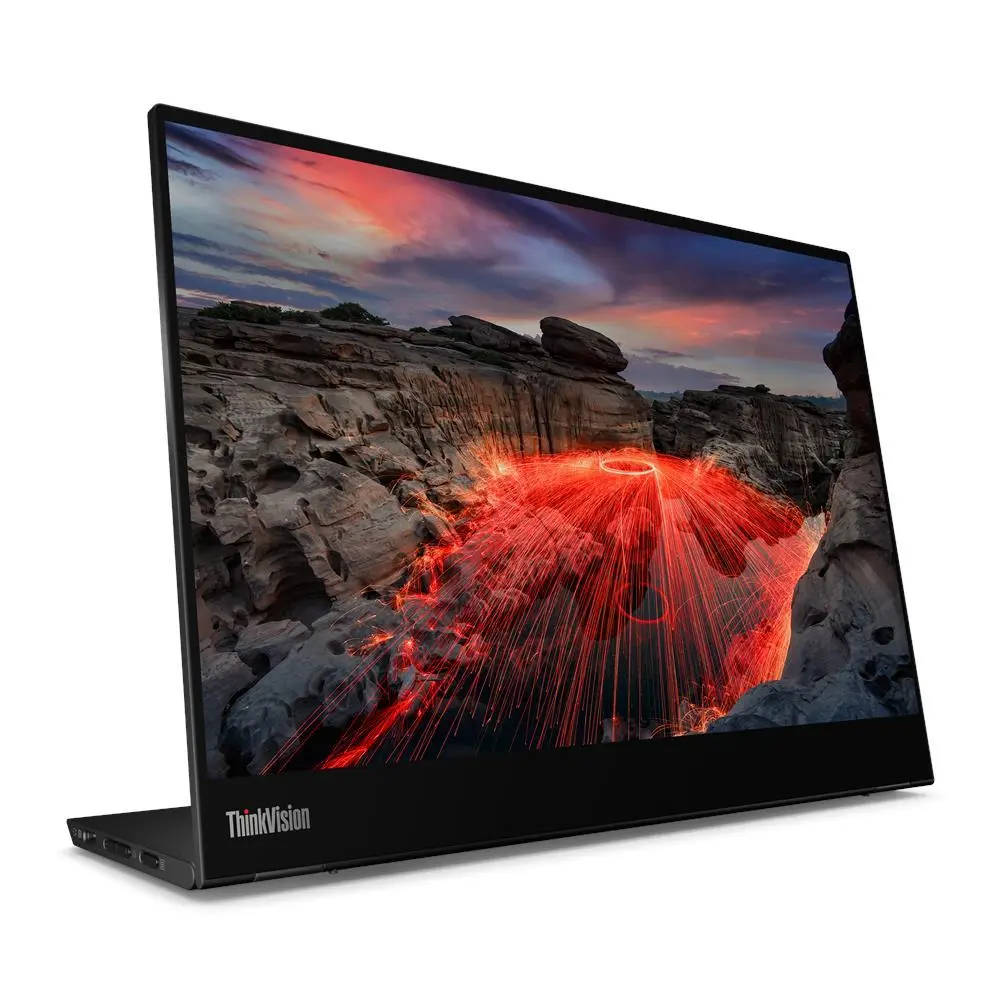
The Lenovo ThinkVision M14t Gen 2 stands out because it adds touch input to a compact portable display. Its 14-inch 2240 × 1400 resolution and 16:10 format provide a detailed workspace, while touch and pen support can be useful for annotating documents, sketching ideas or navigating compatible applications.
This model is worth considering for professionals who interact with documents and visual material rather than simply viewing a second screen. Its compact size also makes it easier to fit into a mobile workstation.
Why consider it: Touch and pen functionality offer another way to work with compatible apps, while the higher-resolution 16:10 panel provides a detailed image.
Keep in mind: Touch and pen features are most useful when your operating system and applications support them. Confirm the included pen and accessories on the exact Amazon listing before ordering.
Check Lenovo on Amazon →5. ViewSonic VX1655-4K-OLED — Premium 4K OLED Picture
ViewSonic VX1655-4K-OLED
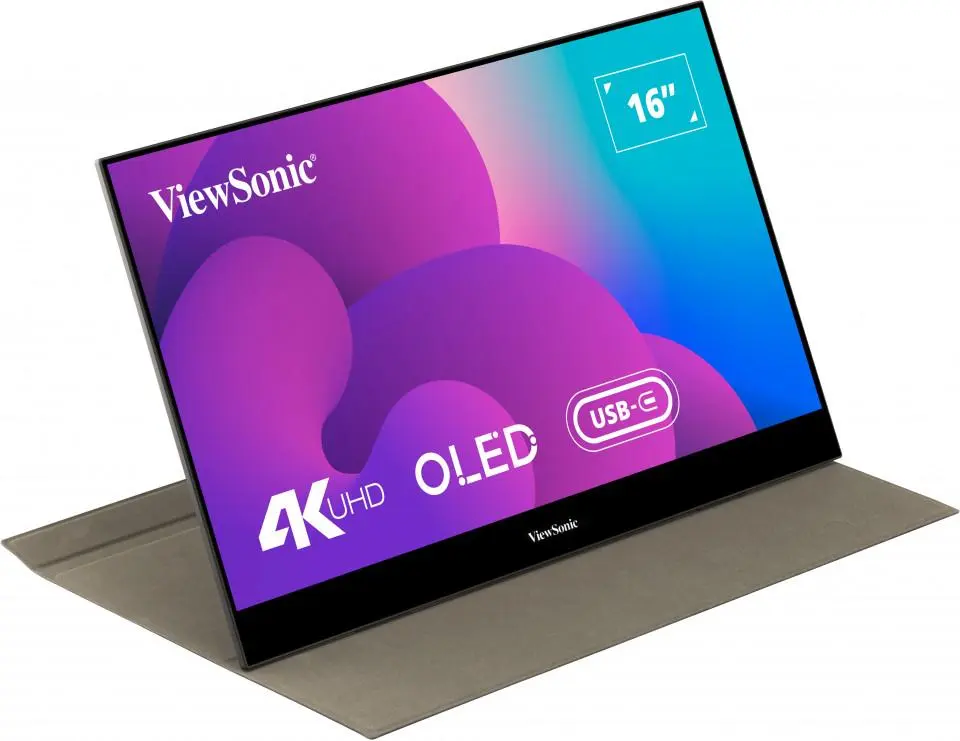
The ViewSonic VX1655-4K-OLED is the premium choice in this selection. Its 15.6-inch OLED panel combines 4K resolution with the contrast characteristics associated with OLED technology. This can make images, video and detailed visual content look particularly impressive.
For digital nomads who edit photos, review visual projects or simply prefer a high-detail display, the 4K panel is its main attraction. It is also a more specialised choice than a basic Full HD portable monitor.
Why consider it: A 4K OLED panel is an appealing option when image quality and contrast matter more than keeping the purchase simple and inexpensive.
Keep in mind: 4K may be more than you need for email, documents and browser work. Check the power requirements, cable compatibility and display settings supported by your laptop before purchasing.
Check ViewSonic on Amazon →📊 Portable Monitor Comparison Table
Here is a quick side-by-side overview of the five models. Specifications are based on the selected product versions; confirm the exact configuration and connection limits on the seller’s listing before buying.
| Monitor | Screen | Resolution | Refresh rate | Main reason to consider it |
|---|---|---|---|---|
| MSI PRO MP165 E6 | 15.6″ IPS | 1920 × 1080 | 60Hz | Everyday productivity |
| ARZOPA Z3FC | 16.1″ IPS | 2560 × 1440 | Up to 180Hz* | QHD and high refresh rate |
| Dell Pro P1425 | 14″ IPS | 1920 × 1200 | 60Hz | Compact 16:10 workspace |
| Lenovo M14t Gen 2 | 14″ IPS touch | 2240 × 1400 | 60Hz | Touch and pen input |
| ViewSonic VX1655 | 15.6″ OLED | 3840 × 2160 | 60Hz | Premium 4K picture |
*The maximum refresh rate depends on the input, cable and connected device. Check the product documentation for the exact limits.
🎯 Which Portable Monitor Should You Choose?
| Your priority | Model to consider | Why |
|---|---|---|
| Everyday office work | MSI PRO MP165 E6 | Full HD IPS and a practical feature set |
| QHD and faster motion | ARZOPA Z3FC | Higher resolution and a high-refresh specification |
| Light, compact workspace | Dell Pro P1425 | 14-inch 16:10 format |
| Touch and annotation | Lenovo M14t Gen 2 | Touchscreen and pen support |
| Visual quality | ViewSonic VX1655-4K-OLED | 4K OLED panel |
Think about your normal working day before choosing. If you mostly write, browse and manage spreadsheets, a Full HD display may be enough. If you work with visual material, a higher-resolution panel may be more useful. If you travel with a small laptop bag, a 14-inch monitor may be easier to carry.
🎒 Tips for Using a Portable Monitor While Travelling
- Check your laptop ports first. Confirm whether USB-C supports video output, not just charging and data.
- Pack the right cables. Carry the compatible USB-C or HDMI cable and any power cable required by your monitor.
- Protect the screen. Use the supplied sleeve or a padded compartment in your laptop bag.
- Choose a stable surface. A secure table and a properly positioned kickstand help prevent accidental movement.
- Adjust display settings. Set scaling, brightness and screen orientation to suit your laptop and workspace.
- Plan for power. Do not assume the laptop can power every portable monitor in every configuration. Check the monitor’s power requirements.
Building a full travel setup? See our programming equipment guide for laptop specs, backups and security keys, and the Nomad Tech Kit for a shorter accessory list.
❓ Frequently Asked Questions
Are portable monitors worth it for digital nomads?
They can be useful if you regularly multitask, work with documents or need more screen space while travelling. A portable monitor is less useful if you mostly work from a phone or prefer travelling with the lightest possible setup.
Can I connect a portable monitor with one USB-C cable?
Sometimes. Your laptop’s USB-C port must support video output, and the monitor must support the required connection. Some setups also need a separate power source. Check both devices before buying.
Is Full HD enough for a portable monitor?
For everyday work on a 15.6-inch screen, Full HD is often sufficient. QHD and 4K offer more detail, but they can cost more and may require display scaling to keep text comfortable to read.
Can I use a portable monitor with a MacBook?
Many portable monitors can work with compatible MacBook models through USB-C or HDMI. Check the MacBook model’s external-display support, the monitor’s input requirements and the cable you plan to use.
Do portable monitors need their own power supply?
It depends on the model and connection. Some can draw power from a compatible USB-C device, while others may need an external power source, especially when connected through HDMI. Check the manufacturer’s power specifications.
Can I use a portable monitor with a smartphone?
Some phones support video output over USB-C, but many do not. Compatibility also depends on the phone’s operating system and the monitor. Confirm that your exact phone model supports external display output.
Which size is better for travel: 14 or 16 inches?
A 14-inch monitor is generally easier to pack and carry. A 15.6- or 16.1-inch model gives you more screen area. Choose based on your bag size, working habits and how often you move between locations.
🧳 Services That Complete the Setup
A second screen is only part of a mobile workspace. These services cover payments, security, connectivity and insurance. The links below are affiliate links.
Choose the Screen That Fits Your Workday
A portable monitor can make a mobile workspace more comfortable, but the best choice depends on your priorities.
For everyday productivity, the MSI PRO MP165 E6 offers a straightforward Full HD option. For a sharper, faster display, consider the ARZOPA Z3FC. For compact business travel, the Dell Pro P1425 has a smaller 14-inch format. For touch input, look at the Lenovo ThinkVision M14t Gen 2. And for premium image quality, the ViewSonic 4K OLED is the specialist option.
Before you buy, check compatibility with your laptop, the exact ports and power requirements, and the current product configuration. A monitor that works reliably with your devices is more valuable than a long list of features you may never use.
Affiliate Disclosure: As an Amazon Associate I earn from qualifying purchases. This means NomadReadyTech may earn a commission when you buy through links in this article, at no extra cost to you. The Wise, NordVPN, Airalo and SafetyWing links are also affiliate links. This does not affect our product selection or editorial content. Product specifications, availability and prices can change. Always check the current Amazon listing and manufacturer information before purchasing. This article is for general informational purposes and is not a substitute for checking device compatibility. Read our affiliate disclosure.